info@toimi.pro
Thank you!
We have received your request and will contact you shortly
Okay

User experience
and interface design
in Arlington

avatar Toimi
Professional UX/UI design for Arlington's government contractors, tech startups, and federal-focused businesses.
Arlington expertise
User-centered design
Federal compliance

UX/UI Design Services in Arlington: the challenges we solve

Website not converting the way it should?
Let’s make it work.

UX reviewed, UI redesigned, interfaces refreshed — all to make things easier for users and better for business.

Need to test an idea fast, without going all in?

Expect a streamlined, functional UX/UI in no time.

Visitors getting lost and dropping off?

Time to adjust user navigation logic.

Afraid a redesign could do more harm than good?

The update will be careful — what works stays untouched.

No one to take care of UX/UI design?

From UX research to clean UI mockups — we’ve got it covered.

UX/UI Design Services in Arlington: who we work with

Startups
Creating MVPs to quickly test ideas, explore solutions, and gather early feedback.
  • Prototype in 2–4 weeks
  • UX-first approach
  • Flexible with edits
Kick off your MVP
Small businesses
Updating outdated UI, aligning it with new tasks, and sharpening the visual language.
  • UX/UI design for websites
  • Improving UX quality
  • Ongoing product support
Give your site a new look
Corporations
Designing complex interfaces while preserving structure and brand.
  • UX research and analytics
  • Corporate system design
  • In-house and dev team support
Plan your project

Designing with real content from the first wireframe

Most product layouts are drawn with invented content. Names are short and tidy, every photo has the same proportions, each description fits neatly in two lines. The design looks balanced and finished. Then real data arrives, and the screens start to break.

Real content is messier in predictable ways. Names are long, sometimes very long. Some records have no photo at all. Descriptions run to several paragraphs or are missing entirely. Numbers have more digits than anyone expected. Translations are longer than the original text. A layout built for the ideal case has no answer to any of this.

The fix is to collect real samples before drawing anything. Export a few hundred records from the existing system, or from a similar product, and look at the range. What is the longest name? What share of items have no image? How many tags does a typical item carry, and how many does the busiest one carry? These numbers become design constraints, as solid as screen sizes.

Extreme cases deserve their own sketches. Alongside the typical screen, the designer draws the version with the longest title, the empty description, the list with one item and the list with a thousand. Each reveals decisions that would otherwise be made in a hurry by a developer: truncate or wrap, hide or show a placeholder, paginate or scroll.

Content also changes priorities. Designers often assume that users care most about what looks best on screen. Real data may show that the field people actually search for is an order number or a date, not the product name in large type. Layout should follow what people use, which only real content reveals.

Writers should join early. Headings, button labels, empty states and error messages are part of the interface. Drafting them with the first wireframes shows whether a screen can be explained in plain words. If it cannot, the problem is usually in the structure, not in the copy.

Placeholder text hides problems in reviews as well. Stakeholders approve a screen full of neat fake text and then object when they see their own data in it. Showing real examples from the start means feedback arrives while changes are still cheap.

Privacy needs care. Real records may contain personal information, so samples should be anonymised or replaced with realistic fake data that keeps the same shape: similar lengths, similar gaps, similar oddities.

Prototypes benefit most. A clickable prototype filled with realistic data behaves like the product, and user tests on it produce findings that survive into the build.

Design systems should include these lessons. Components documented with long, short and missing content examples save every future team from rediscovering the same problems on their own screens.

Content audits of the existing product are a good source as well. Listing every screen, the data it shows and where that data comes from often reveals fields that nobody reads, labels that mean different things in different places, and information that users need but cannot find. Cleaning that up before the redesign gives the new layout a firmer base than any visual change could.

Why do I need UX/UI design?
So your site feels clear, friendly, and trustworthy from the very first second.
It helps visitors find what they need — and take the actions you want: buy, sign up, read.
And there's more! Great UX boosts conversions, engagement, and loyalty. It keeps working for your business — even when you're offline.

What UX/UI design services we offer

Not a typical request? No problem.

Get in touch

What’s included in UX/UI

UX/UI audit
Interface clarity, structure, and pain points. The audit shows where users drop off, what’s causing it, and how to fix the flow.
UX-review
Behavior maps
UI Design
Clear, intuitive interfaces that help users find what they need, stay focused, and reach their goals without unnecessary steps.
Screen design
Responsive adaptation
UX Architecture
Logical structure and flow built for clarity and efficiency. Includes secure data exchange — SSL, fault tolerance, and attack protection.
User flows
Prototypes
Product design
Website content updated and adapted to match business goals — product cards, UI text, metadata — everything that influences engagement and sales.
Product cards
UX writing

Have a custom request in mind?

Let’s chat

Our UX/UI approach

We focus on what matters: user behavior, thoughtful structure, and data-driven improvements. Design that is measured, then proven to work.
Understanding users

Understanding users

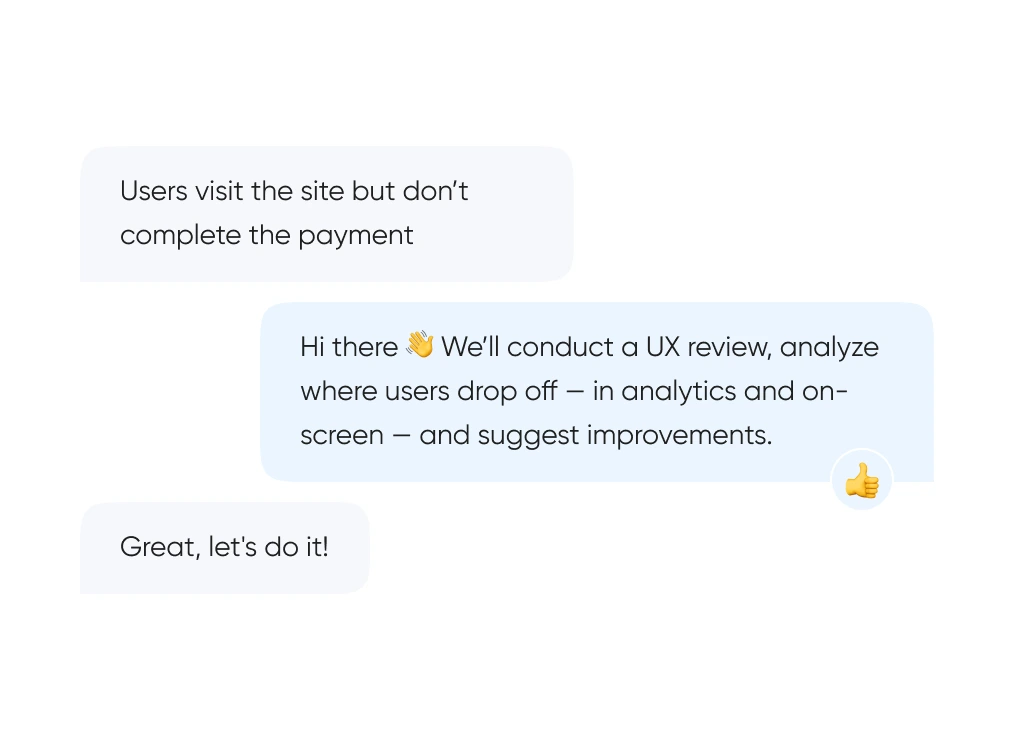
We start with real behavior: run UX reviews, analyze the full funnel, and identify exactly where and when users drop off.
Designing with intent

Designing with intent

We build out logic and structure — from user flows and prototypes to final layouts. Everything gets tested before it ever reaches code.
Showing results

Showing results

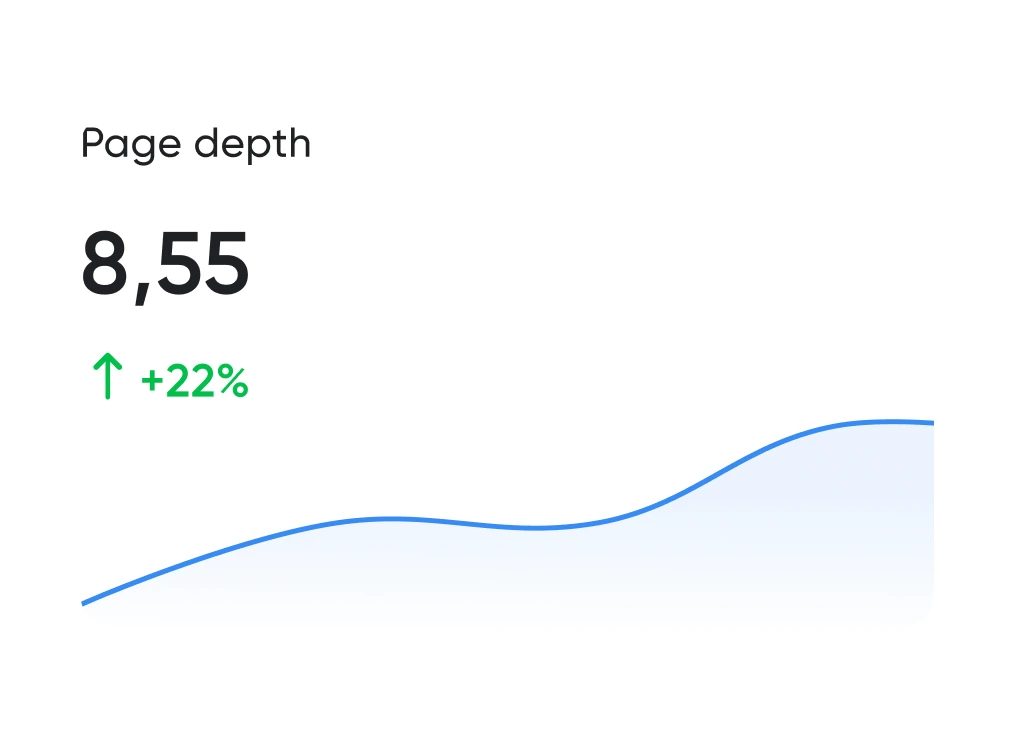
Looking good is the easy half. The work is working well. We track the numbers: time to complete key actions, scroll depth, conversion rate. All measurable.
Working transparently

Working transparently

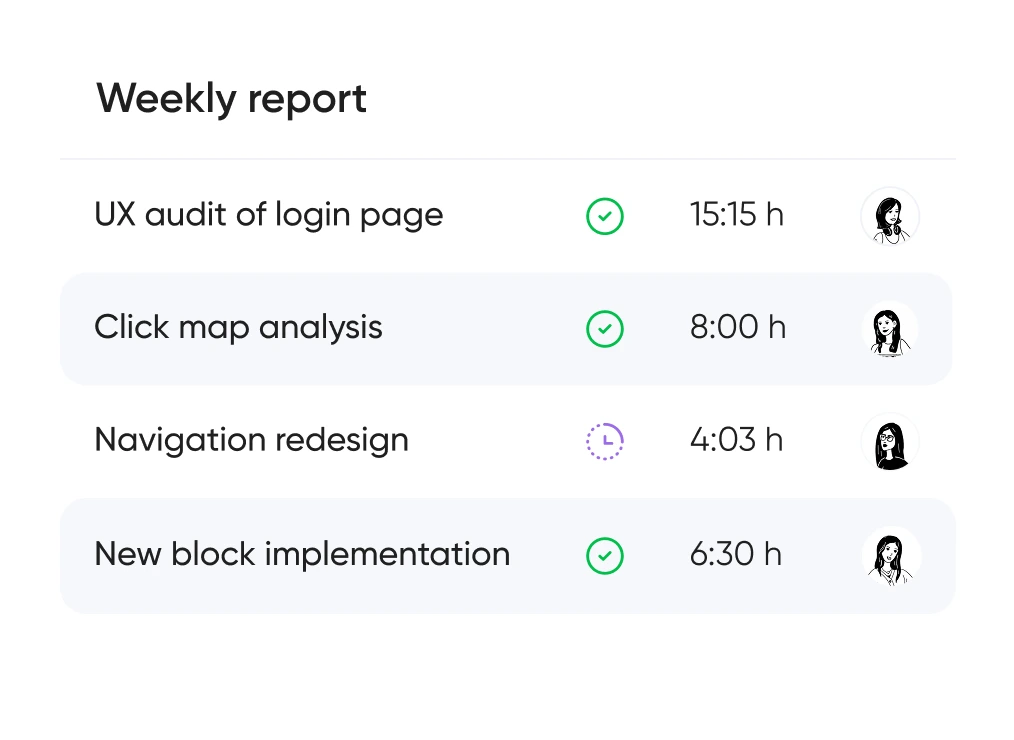
You always know which hypotheses we’re testing, what we’re improving — and why. No design for design’s sake — only what brings real business value.

How the process works

Artyom Dovgopol
We work in sprints, validate hypotheses, and improve the design step by step.
Immersion
avatar avatar
We dive into the product, business goals, and audience. Run interviews, review analytics, and gather hypotheses.
Brief & key actions
Behavioral analysis
Analytics & audit
avatar avatar
We conduct UX audits of websites, PWAs, and mobile apps, analyze user flows, identify drop-off points and conversion barriers.
Click map
Report with recommendations
UX planning
avatar avatar avatar
We map out scenarios, create prototypes, and finalize the interaction structure.
User scenarios
Interactive prototypes
UI design
avatar avatar
We make screens clear, visually consistent, and responsive across devices.
Layout design
Handoff preparation
Testing & improvements
avatar avatar
We run A/B tests, gather feedback, and refine the product iteratively.
A/B hypotheses
Data-driven improvement

UX/UI formats

Support for launching, refreshing, or rethinking an interface — at the right pace
and tailored to your product and business goals.

Quick start
For those who want to quickly improve UX or test a hypothesis.
  • UX audit and recommendations in 1–2 weeks
  • Fast adjustments to screens and logic
  • Behavior-based improvements
Full cycle
End-to-end support — from early research to final design and ongoing involvement.
  • UX research, user scenarios, and prototypes
  • Complete UI design for all screens
  • Ongoing design support and post-launch A/B testing

UX/UI design pricing
in Arlington

Pricing is tailored to each project — based on its stage, scope, and business objectives.

Single page design
~ $1,500
Product design (UX + content)
~ $1,500
Hourly rate
$30 / hour
Company presentation (1 A4 slide)
~ $130
*Final cost depends on scope, timelines, and technical integrations.
Get your custom estimate
Full control   
Stability

Tools that enhance UX/UI

We use only the tools that help us create intuitive, responsive, and scalable interfaces.

CMS
Wordpress
SAP Shopify
OpenCart
MODX
Front-end
HTML
Javascript
CSS
Storybook
Git
Gulp.js
Vue.js
WebPack
Back-end
Docker
Laravel
PHP
ClickHouse
Swagger
React
API

Solutions for your industry

UX/UI design for ecommerce, fintech, edtech, and more.

  • eCommerce
  • Fintech
  • EdTech
  • Healthcare
  • Corporate websites
  • CRM & B2B interfaces
  • Online booking
  • Delivery services
  • Logistics
  • Mobile apps
  • HR Tech
  • Dating platforms
Show more

Let's discuss your project

FAQ

Didn’t find what you were looking for? Drop us a line at info@toimi.pro.

What does UX/UI design cost for an Arlington-based business?

Pricing depends on project scope, complexity, and timeline — whether you need a mobile app for federal contractors near Rosslyn or a web platform for Crystal City's tech sector. Costs vary based on research depth, number of screens, and prototyping requirements. Projects typically start from a few thousand dollars for focused redesigns. We provide exact quotes after reviewing your project brief and business objectives specific to Arlington's competitive landscape.

How long does a UX/UI design project take in Arlington?

Timeline depends on deliverable scope and revision cycles. A startup MVP in Clarendon might take 4-6 weeks for core flows and visual design. Enterprise platforms serving Arlington's defense contractors or federal agencies require 8-12 weeks for comprehensive research, compliance review, and multi-stakeholder feedback. We work with your launch deadlines — especially important for businesses responding to government RFPs or quarterly funding cycles common in Arlington's innovation corridor.

Which Arlington industries benefit most from professional UX/UI design?

Government contractors in Rosslyn and Crystal City need secure, compliant interfaces for federal clients. Tech startups around Ballston require investor-ready prototypes and scalable design systems. Healthcare providers serving Arlington's 230,000+ residents benefit from HIPAA-compliant patient portals. Cybersecurity firms near the Pentagon need intuitive dashboards for complex data. We understand Arlington's unique position between defense, federal services, and commercial innovation — your design must work for both government stakeholders and end users.

What's included in your UX/UI design process?

We start with user research and competitive analysis relevant to your market — whether that's Arlington's federal sector or commercial startups. You receive wireframes, interactive prototypes, and high-fidelity mockups. Deliverables include design system documentation, component libraries, and developer handoff files in Figma. Every project includes usability testing to validate flows before development. For Arlington clients, we ensure designs meet Section 508 accessibility standards required for federal contracts and government partnerships.

Can you redesign our existing product while keeping core functionality?

Yes — we conduct UX audits to identify friction points without disrupting proven workflows. Many Arlington businesses need modernization that respects existing user habits, especially for platforms serving federal employees or defense personnel. We map current user journeys, prioritize improvements, and deliver phased redesigns that maintain operational continuity. This approach works well for government contractors who can't afford downtime or retraining costs during interface updates.

Do you design for both web and mobile platforms?

Absolutely. We create responsive web designs and native mobile interfaces for iOS and Android. Arlington businesses often need multi-platform solutions — field applications for contractors, secure portals for federal users, or customer apps for local services. We ensure consistent experience across devices while optimizing for each platform's patterns. Every design adapts to Arlington users' contexts, whether they're accessing your product from Pentagon offices, Rosslyn co-working spaces, or mobile fieldwork.

How do you communicate throughout the design project?

We use Slack or email for daily updates and schedule weekly design reviews via video call. You get access to live Figma files to track progress in real time — no waiting for formal presentations. For Arlington clients managing federal contracts or investor timelines, we provide milestone reports and stakeholder presentation decks. Communication adapts to your team's security requirements and approval workflows. You're involved at every validation point, from initial concepts through final developer handoff.

What support do you provide after design delivery?

We offer design QA during development to ensure pixel-perfect implementation of your approved designs. You receive all source files, design system documentation, and asset exports developers need. Post-launch, we're available for design adjustments based on user feedback or A/B testing results — common for Arlington businesses iterating based on federal client requirements or market response. Many clients return for feature expansions or design sprints as their product evolves. We prefer long-term partnerships to one-off project transactions.

Top articles on UI/UX design star

All categories
API in web development: types and applications
Let's understand what API is and how to quickly add maps, payments, or social media authorization to your website without writing complex code. Artyom Dovgopol API is like LEGO for developers: you take ready-made blocks and build what you need. Key takeaways 👌 Quick integration allows connecting external services without…
January 7, 2025
6 min
992
All categories
20 Best Productivity Apps for Teams (2026)
Time management is about understanding your priorities and distinguishing what’s important from what can wait. With the right tools, you'll boost productivity and create an efficient workflow tailored to you. In this article, we’ll introduce top time-tracking and management tools to help you stay focused. Artyom Dovgopol Time management is…
April 8, 2025
8 min
853
All categories
Top Branding Agencies in San Francisco for Established Brands (2026)
San Francisco invented modern brand consulting — Landor opened here in 1941 — and the city's agency landscape still reflects that pioneer DNA. We rated branding firms across enterprise, tech-focused, and boutique tiers to help you find the right partner for your stage and budget. Artyom Dovgopol SF branding agencies…
April 8, 2026
20 min
673
All categories
Top Web Development Companies in Miami 2026
Miami's tech boom created a web development market with over 100 active agencies — and wildly inconsistent quality. This guide profiles vetted firms across the Miami metro, ranked by verified track records, technical depth, and the buyer profiles they serve best. Artyom Dovgopol Miami's agency market doubled in three years.…
April 15, 2026
19 min
643
All categories
Brand Identity vs Brand Strategy vs Brand Image: What’s the Difference and Which to Fix First
Brand identity, brand strategy, and brand image — three terms that get used interchangeably, cost companies millions in misallocated budgets, and mean completely different things. Here's what each one actually is, who owns it, and which one to fix first. Artyom Dovgopol Every month I meet a founder who says…
April 2, 2026
18 min
594
All categories
Top Graphic Design Agencies in Baltimore 2026
This ranking evaluates the best graphic design agencies in Baltimore based on versatility, turnaround speed, and proven results supporting local business growth. Artyom Dovgopol Most Baltimore businesses don't need avant-garde design experimentation — they need reliable partners who deliver consistent marketing materials on deadline. A restaurant opening in Canton needs…
February 27, 2026
17 min
549
All categories
Competitor analysis: market research methodology
In the modern digital world, success is not possible without a detailed and thorough analysis of rival companies. We will give you a few pointers on how to collect info about your competitors, analyze it, and use it for the good of your business. Artyom Dovgopol Analysis of competitors is…
March 3, 2025
9 min
0
All categories
Top 10 Best Restaurant Website Designs 2026
Restaurant website design in 2026 has split between two masterworks — fine dining brands that treat restraint as the entire design brief, and fast-casual brands that treat every pixel as conversion infrastructure. These 10 sites define the ceiling of each approach across every restaurant format. Artyom Dovgopol Restaurant sites fail…
April 22, 2026
32 min
0
All categories
Rebranding: renewal strategy without losing customers
Market success requires adaptation. Whether prompted by economic crisis, climate change, or geopolitical shifts, we'll explain when rebranding is necessary and how to implement it strategically for optimal results. Artyom Dovgopol A successful rebrand doesn’t erase your story; it refines the way it’s told. Key takeaways 👌 Rebranding is a…
April 23, 2025
13 min
0
All categories
AI in development: tools and code impact
AI is reshaping how we code - from automated testing to code generation. Let's cut through the hype and see what AI really means for developers. Artyom Dovgopol AI in coding is like having a personal assistant for repetitive tasks, letting you focus on the big picture. But like any…
January 30, 2025
7 min
0
Your application has been sent!

We will contact you soon to discuss the project

Close