
Running a website? You need to know about SSL. Not because it's trendy, but because it keeps your visitors safe and your site trustworthy. Let's break it down.
Key Takeaways 👌
Keep customer data safe during transmission
Boost user trust with that green padlock in browsers
Get better search rankings with HTTPS
Introduction
Think of your website as a physical store. You wouldn't leave it unlocked overnight, right? That's what SSL does - it's your digital security guard, making sure nobody can steal or mess with important stuff like passwords, credit cards, or personal info.
In today's world, data protection isn't just nice to have - it's essential. Without HTTPS, browsers flash warning signs at visitors, and that's bad for business, whether you're a small shop or a big corporation.
What exactly is an SSL certificate?
SSL (Secure Sockets Layer) is a technology that sets up an encrypted channel between a user and your server. When a site uses SSL, the address switches from http:// to https://, and the browser typically shows a little padlock icon. This tells visitors their data is safe. For instance, an online store with an SSL certificate ensures that credit card details or other sensitive info aren’t exposed to anyone lurking on the network.
Sometimes, integrating SSL fully — updating scripts, correcting broken resources, adjusting forms — requires a small but important site upgrade to make sure every element loads securely.
Interesting fact 👀
The first SSL protocol was cooked up by Netscape back in '94 for online banking. Now it's everywhere - from Facebook to your local coffee shop's website.
How SSL works
- Connection Starts: A user visits your site, and your server talks to the user’s browser about making a secure link.
- The “SSL Handshake”: The browser and server exchange encryption keys.
- Encryption: All data traveling between the two is scrambled. If a hacker sniffs around, they only see random characters.
- Authentication: The certificate confirms the website truly belongs to whoever claims to own it, so users can trust they’re interacting with the real deal.

Cutting corners on security is like buying cheap locks for your store - the savings aren't worth the risk
Why your site needs SSL
- Protecting Personal Data: Think passwords, payment info, phone numbers—none of it should be left out in the open.
- Fending Off Cyberattacks: An SSL certificate wards off “man-in-the-middle” threats, where attackers could intercept or alter traffic.
- Boosting User Confidence: Spotting that padlock in the address bar makes visitors more comfortable, which can lead to better conversions.
- SEO Perks: Search engines love secure sites, giving them higher rankings in results.
When your platform handles sensitive records or profiles, encrypted data exchange becomes non-negotiable — especially in systems built on CRM, where user information constantly moves between interfaces and servers.
Running a website without SSL in 2026 is like running a store with a "We Might Leak Your Credit Card" sign.
— Bruce Schneier, security expert
Types of SSL certificates
- DV (Domain Validated): Confirms you own the domain, and is typically the most affordable (or even free).
- OV (Organization Validated): Checks not just the domain but also legal details of the company, giving users an extra layer of confidence.
- EV (Extended Validation): The strictest verification process—your company name can even appear in the browser’s address bar. Generally recommended for banks, major e-commerce sites, and large corporations.

Curious about data protection? Check out our article What is Web 3.0 and what does it mean for internet evolution?
Installing an SSL certificate
- Purchase or Obtain for Free: For instance, Let’s Encrypt is a well-known free option.
- Install on Your Server: Often done via a hosting control panel, like cPanel.
- Set Up Redirects: Make sure anyone who visits http:// is automatically sent to https:// instead.
If your site runs on a CMS, tasks like enabling HTTPS, updating internal links, and fixing mixed-content issues are often handled as part of WordPress support, so the migration to the secure protocol happens smoothly.
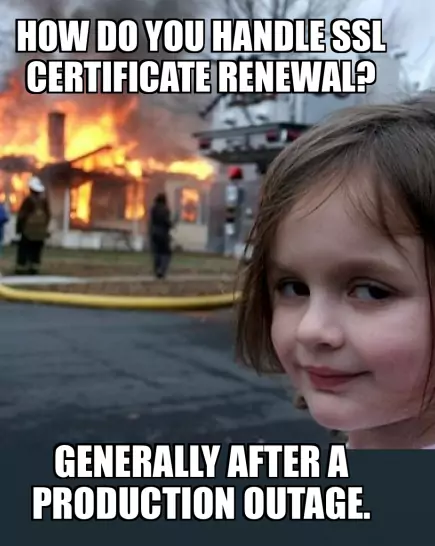
Skipping SSL? Here’s the risk
- "Not Secure" Alerts: Modern browsers will label your site as risky.
- Visitor Loss: People aren’t keen to input info on a flagged site.
- SEO Downsides: Search engines give preference to HTTPS, so you might drop in rankings.
- Higher Chance of Data Theft: Without encryption, info is easy prey for cybercriminals.
Recommended reading 🤓
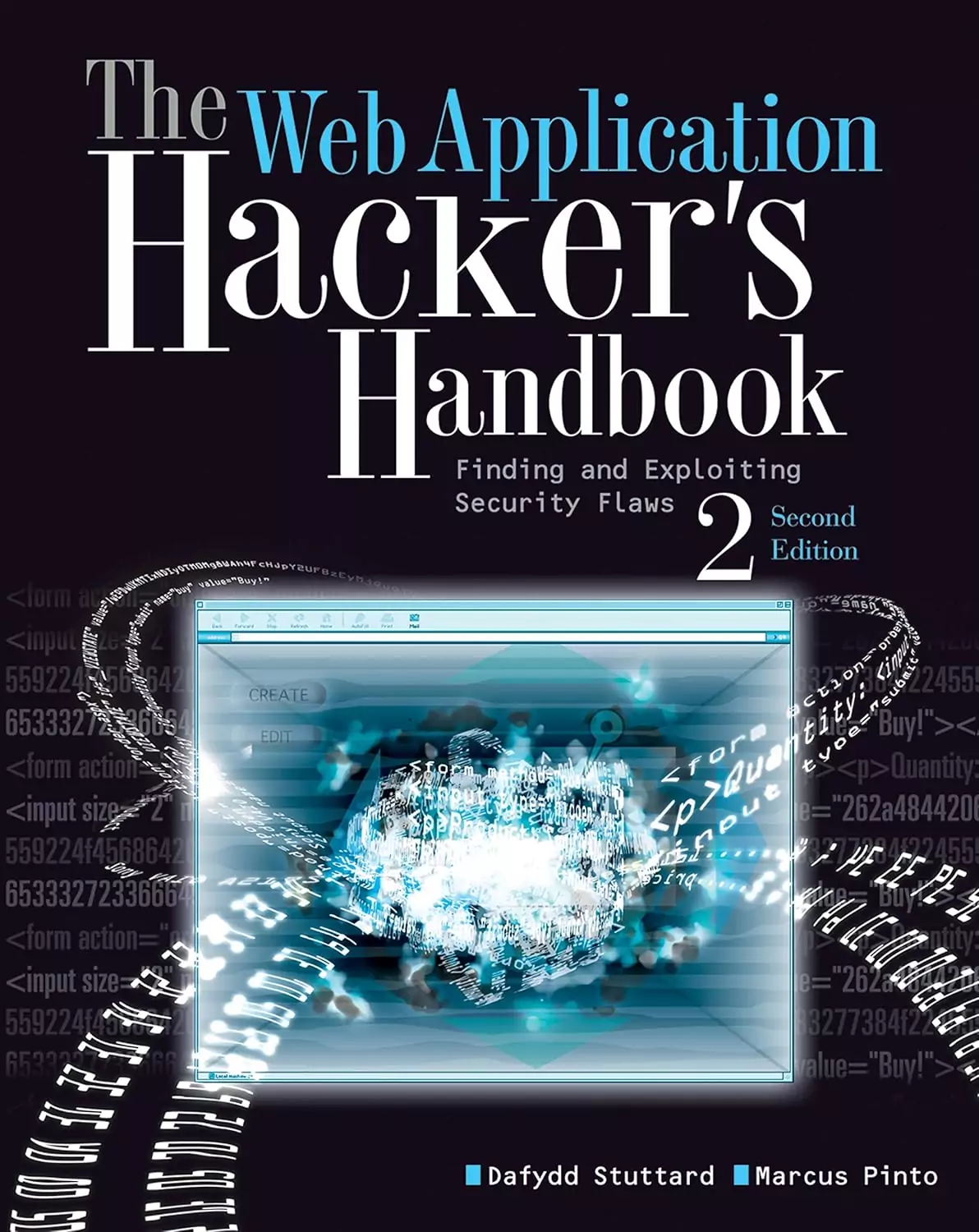
"Web App Hacker's Handbook", Dafydd Stuttard
Deep dive into web security.
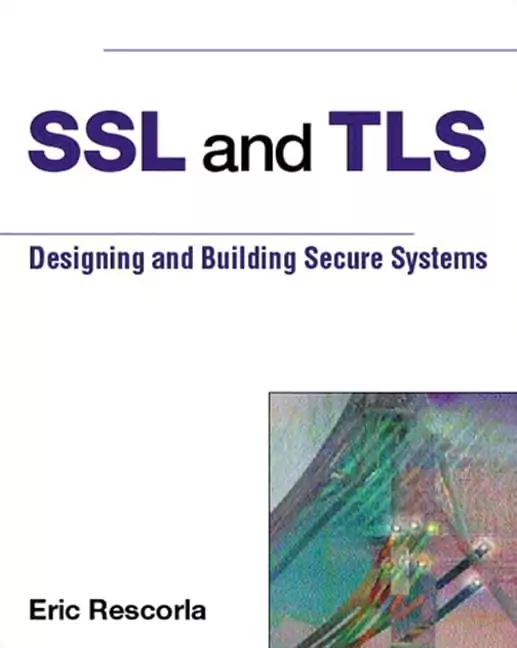
"SSL and TLS", Eric Rescorla
The security bible for serious folk.
Conclusion
Getting an SSL certificate isn’t just some box to tick—it’s the foundation of protecting your customers and strengthening your brand image. And with search engines giving secure sites a boost, HTTPS is rapidly becoming the industry standard. If you haven’t done so yet, consider it your next step toward safer transactions and a healthier relationship with your audience.
Artyom Dovgopol
Online security isn't optional anymore - it's the foundation of trust. SSL certificates are your first step in building that trust.